



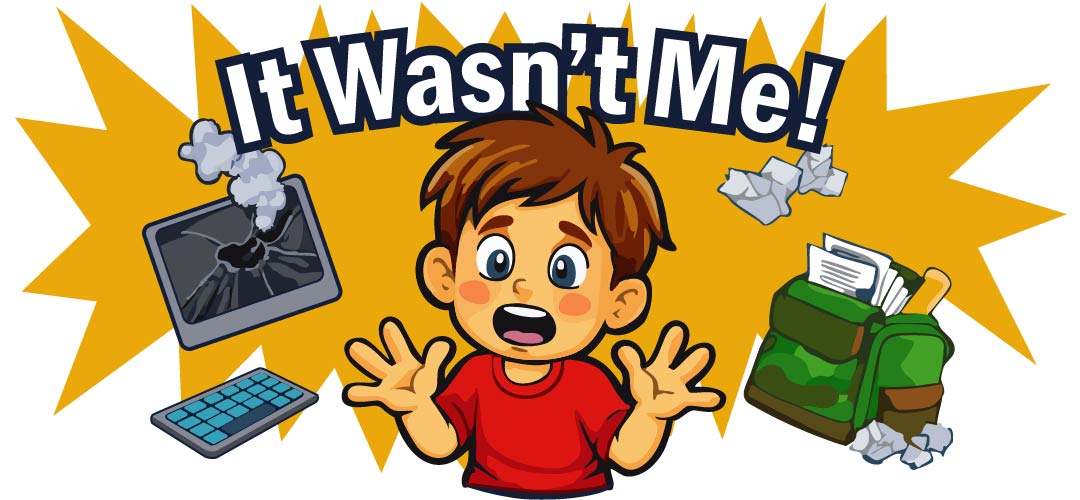
We’ve all heard it. The innocent-looking student, the sheepish grin, and the classic line: “It wasn’t me!” when faced with a cracked screen, missing keys, or a mysteriously non-functional broken Chromebook or other technology device. As K-12 technology personnel, it’s a daily occurrence. The It Wasn’t Me! story has an effect on nearly everyone in K-12, including us here at InfoCase, and the effect of expensive repair costs.
A post from a team member of Learn 21, a non-profit K-12 technology organization, says, “…K-12 is inherently messy, have you heard about how many devices have caught on fire from middle schoolers sticking paperclips in USB slots?” And while a good laugh can be had, the reality is that broken technology isn’t just a minor inconvenience; it’s a significant drain on our budgets and, more importantly, a barrier to learning.
The Cost of “Oops”: Quantifying the Impact
Let’s talk numbers, because the impact of damaged devices is far from anecdotal.

The Budgetary Drain
A study by the Consortium for School Networking (CoSN) found that the average cost to repair a damaged K-12 device can range from $100 to $300 per incident. When you multiply that across hundreds or even thousands of devices in a district, the figures become staggering.
For a district with 5,000 devices experiencing an average of 18% damage annually, that’s a potential repair bill of $50,000 to $150,000 for 900 damaged devices – money that could be spent on new educational materials, professional development, or expanding access to cutting-edge tools.
While some IT Professionals proactively plan for mishaps by securing a warranty program, it is still an investment impacting K-12 budgets. And, even with a warranty program in place that mitigates some of the financial burden, there is still the lost learning time and IT logistics management.

Lost Learning Time
This is the invisible cost that often gets overlooked. When a student’s device is out of commission, their learning is interrupted. A report by Project Tomorrow highlighted that students without reliable access to their assigned devices can fall behind their peers, miss critical instruction, and experience frustration that impacts their engagement.
If a device is out for even a few days for repair, that’s potentially hours of missed instruction, on site assignments, homebound assignments, and access to digital resources. Over a school year, this adds up to a significant educational deficit for affected students.

IT Overload
Technology Professionals are constantly triaging and repairing. This pulls them away from proactive tasks, strategic planning, and supporting teachers with new technology initiatives. The “break-fix” cycle becomes a dominant part of their workload, preventing them from innovating and improving the overall technology infrastructure.
On average, it takes 45 minutes for a K-12 tech staff to manage a broken student device from initial triage to getting it back into circulation. Using our previous scenario of 900 damaged devices, this would be a total of 675 hours- if the device is sent out for repair. That number could significantly increase if the tech staff do their own repairs within the school.
Safeguarding Your Investments

So, what can we do to move beyond, “It Wasn’t Me!” and truly safeguard your district’s technology investments? It starts with a multi-pronged approach that combines education, preventative measures, and smart policies.
1. Student Education and Ownership:
- Digital Citizenship Curriculum: Integrate explicit lessons on device care into your digital citizenship programs. Teach students why it’s important to care for their devices (e.g., “This device helps you learn,” “It’s a shared resource.”)
- Training: At the start of the school year, demonstrate proper handling, how to open and close a laptop, and tactics for safeguarding.
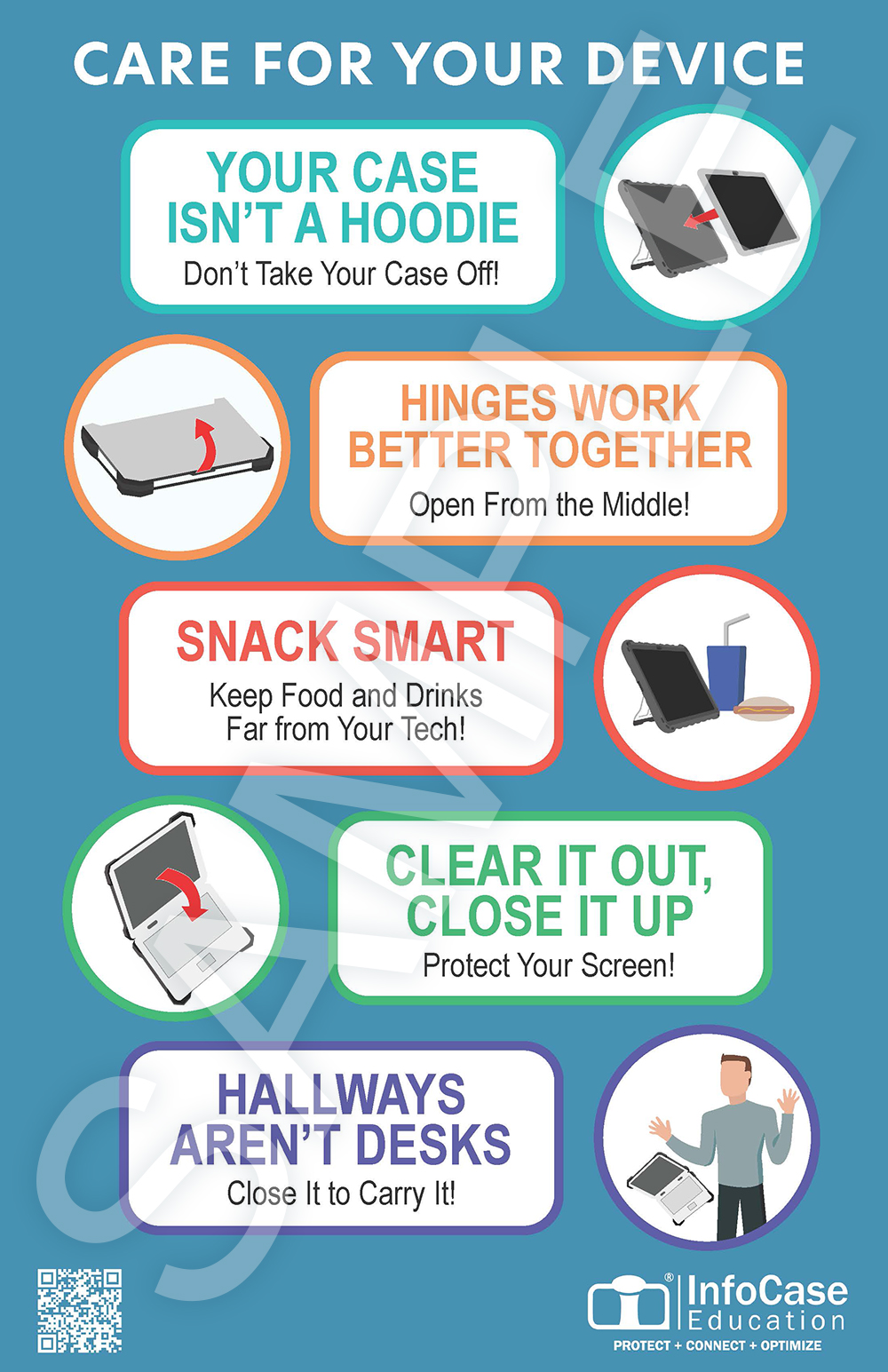
- Use Technology Reminders: Reinforce technology safety learnings with posters, stickers or on digital programing where possible. For a free digital copy of our poster, contact us with the form at the bottom.
- Responsible Use Policies (RUPs) with Teeth: Ensure your RUPs clearly outline expectations for device care and consequences for damage. Be sure these are reviewed and signed by both students and parents.
2. Well Planned Protection:
- Your First Defense: Student education and policy are essential first steps: However, they cannot eliminate the risk of accidental damage—a reality of the ‘inherently messy’ K-12 environment. This is where the physical defense layer becomes critical. Investing in InfoCase Rugged Cases is not just a cost, but an operational necessity. For more than 30 years, our Rugged line have been drop-tested 5 feet and above on hard surfaces to ensure the most stringent protection. They pay for themselves quickly by preventing cracked screens, dented corners and inoperable devices. InfoCase commercial-quality protective cases are a must to extend the life of your technology and ultimately extend your budget.
- Device Protection Plan: While the chance of device damage is significantly reduced by protecting your investment with InfoCase Rugged Cases, accidents can occur. That’s why a comprehensive, no-worries device protection program acts as the ultimate safety net, ensuring your technology lifecycle management tools are complete. By adding a device protection plan, you ensure operational continuity—keeping your devices and district operations running smoothly.
Moving Beyond, “It Wasn’t Me!”

By combining comprehensive student learning with robust responsible technology use policies, and investing in InfoCase durable protective cases, K-12 districts can move beyond, “It Wasn’t Me!” safeguarding technology investments, maximizing learning time, and freeing up IT professionals for strategic innovation.
Download a Care For Your Device Poster
Your school devices are important to staff, parents, and students- and to us here at InfoCase. Which is why we’ve put together a poster to showcase our best tips and tricks on how to minimize accidents and damage.
Simply print our download and display for students to see in classrooms, hallways, anywhere. Our colorful Care For Your Device poster will keep device safety and protection on the minds of your students.
Complete the form below to request a download of our poster for free.