




Oftentimes, the ideal case requires more than simply protecting hardware. It should support how people actually live and utilize their devices – a case designed to consider durability, portability, and user comfort will accommodate the particulars and nuances of a user’s typical day.
A Balancing Act
The challenge is not providing both protection and mobility, but finding the right balance between them. Some environments demand ruggedized defense against drops, bumps, and daily wear. Others call for lightweight protection that keeps devices easy to carry, simple to handle, and comfortable for everyday use.
Understanding the differences between InfoCase Rugged Pro and Rugged Slim solutions helps schools, businesses, and organizations make smarter device protection decisions based on actual workflows – not guesswork.
Understanding the Differences
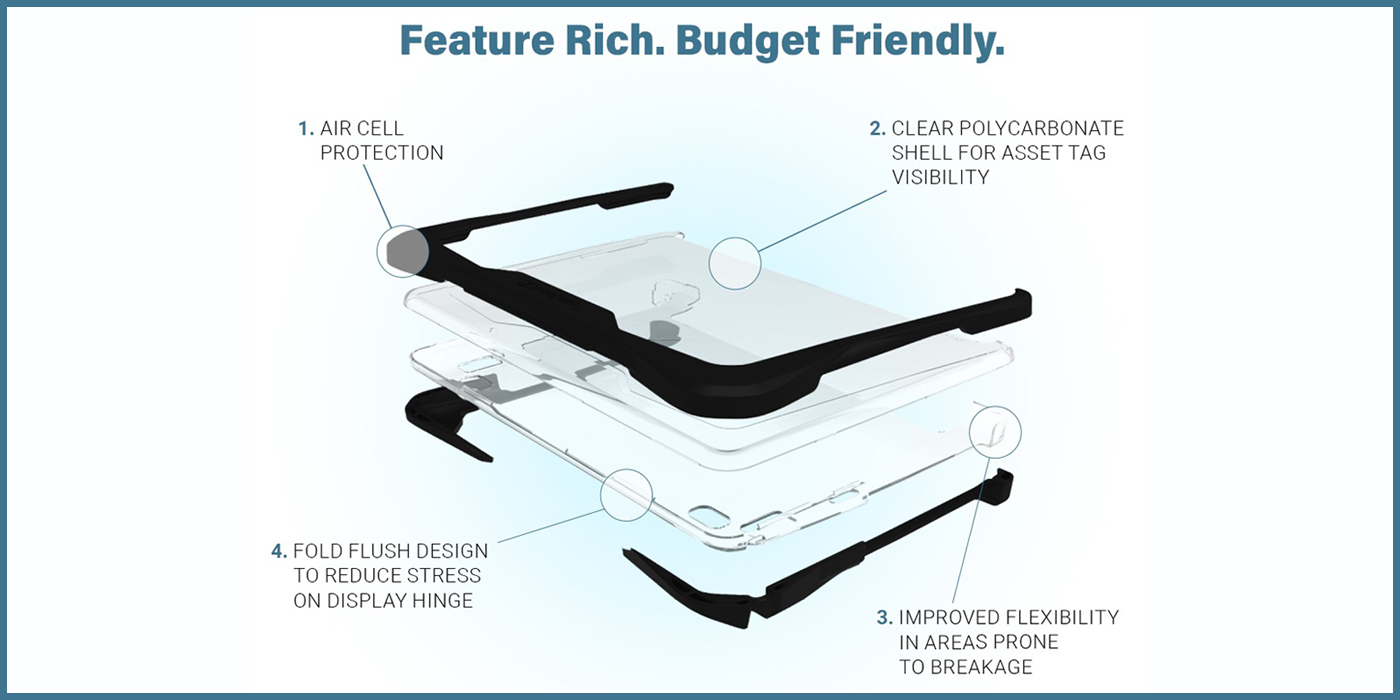
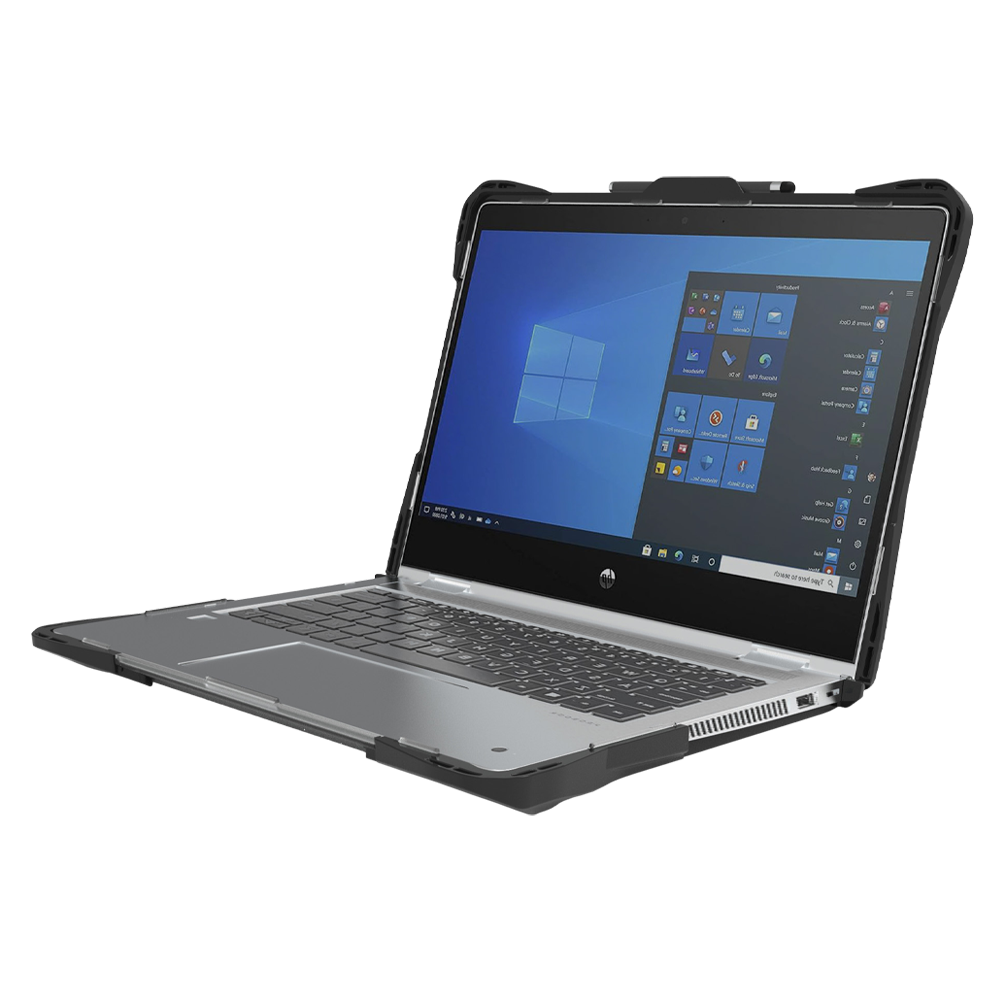
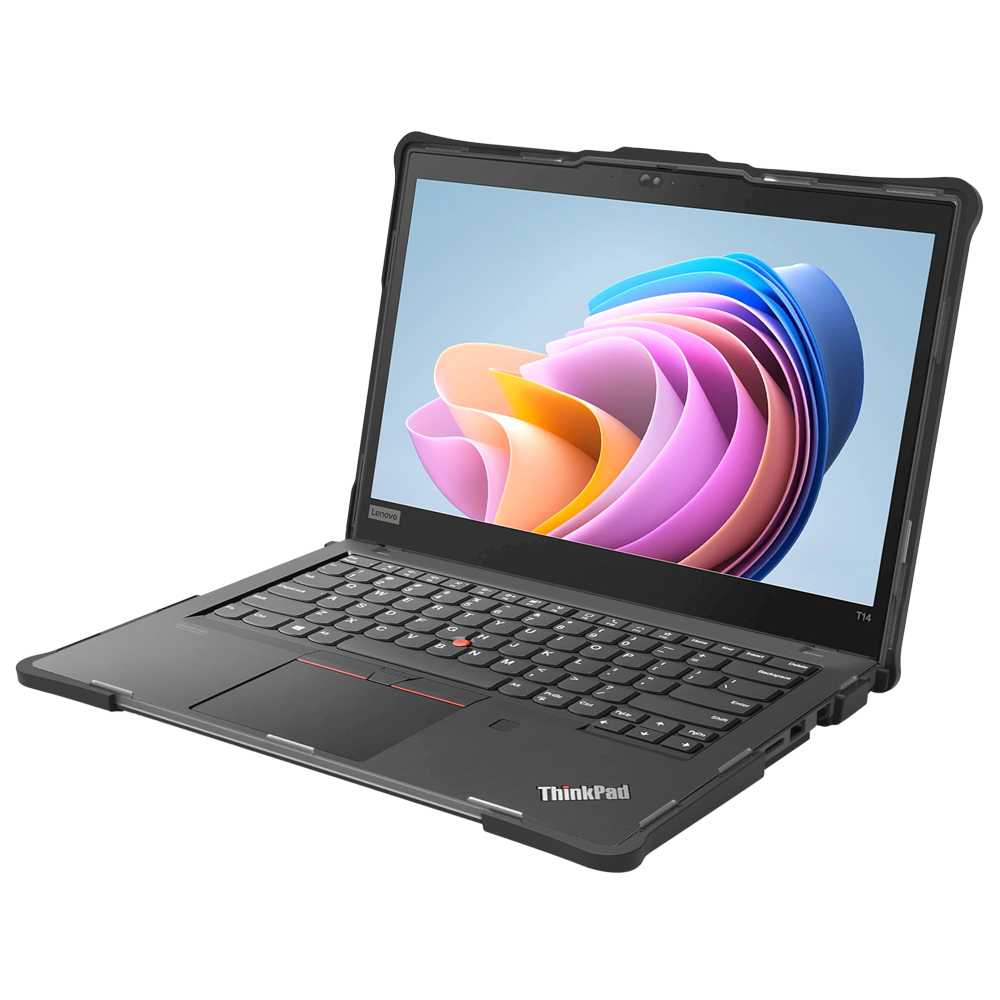
Both Rugged cases are engineered to help protect devices and extend their usable life, but they are built for different levels of risk, handling, and mobility.
The Pro vs The Slim
A Device Protection Strategy Starts with the Environment
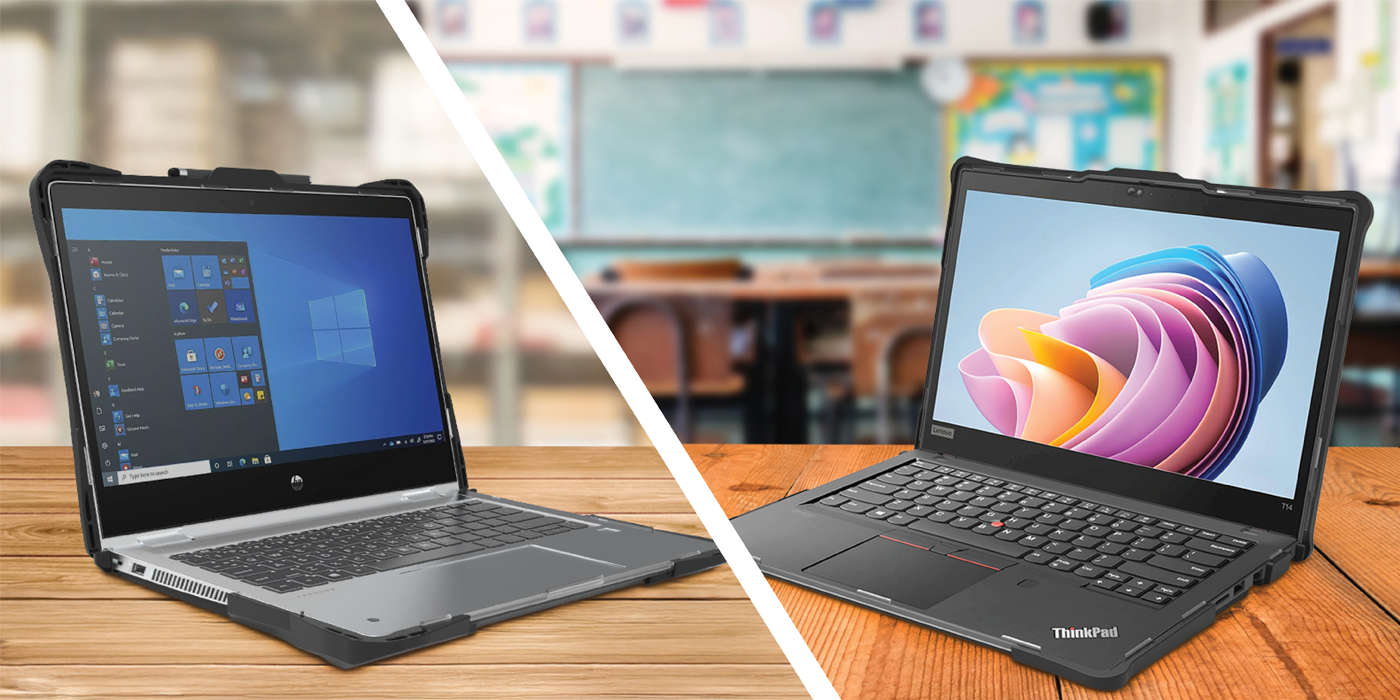
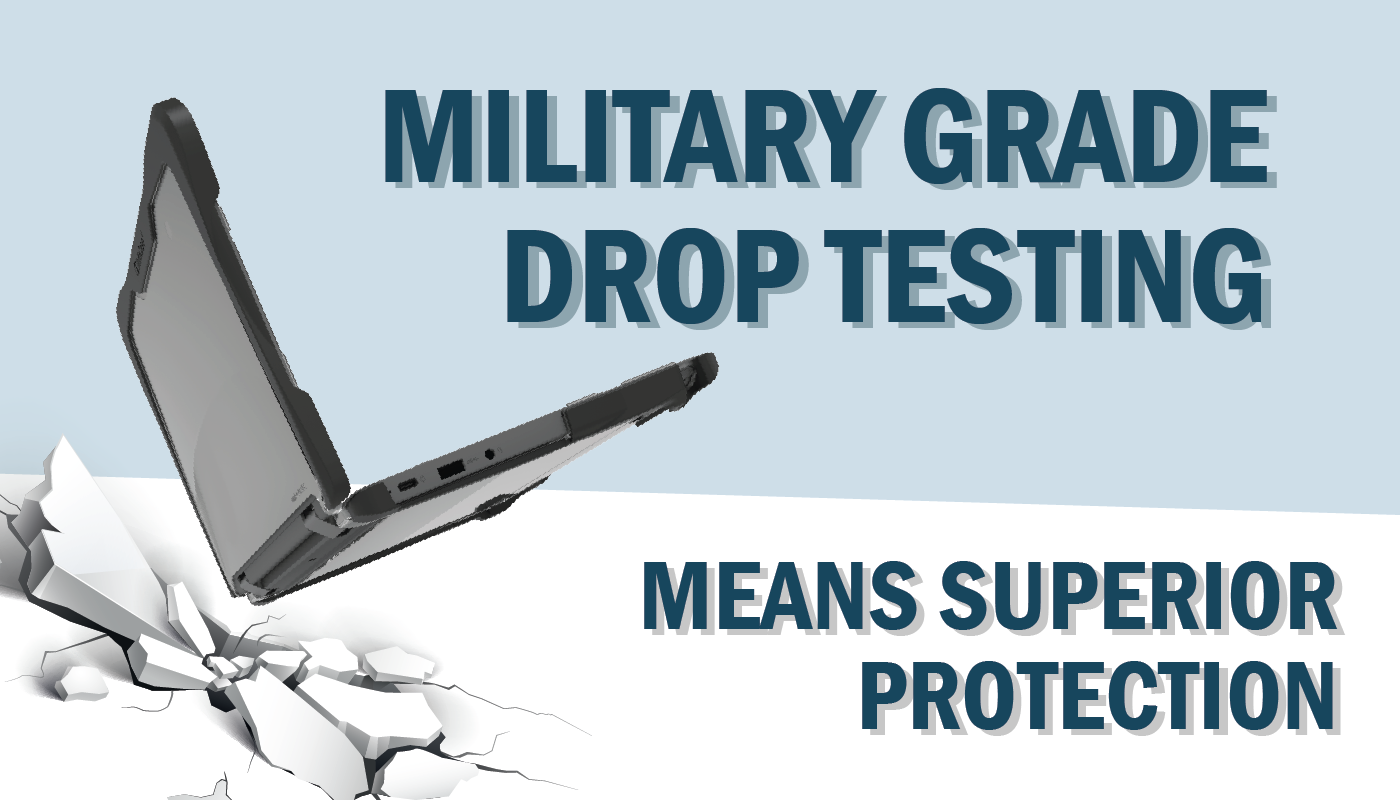
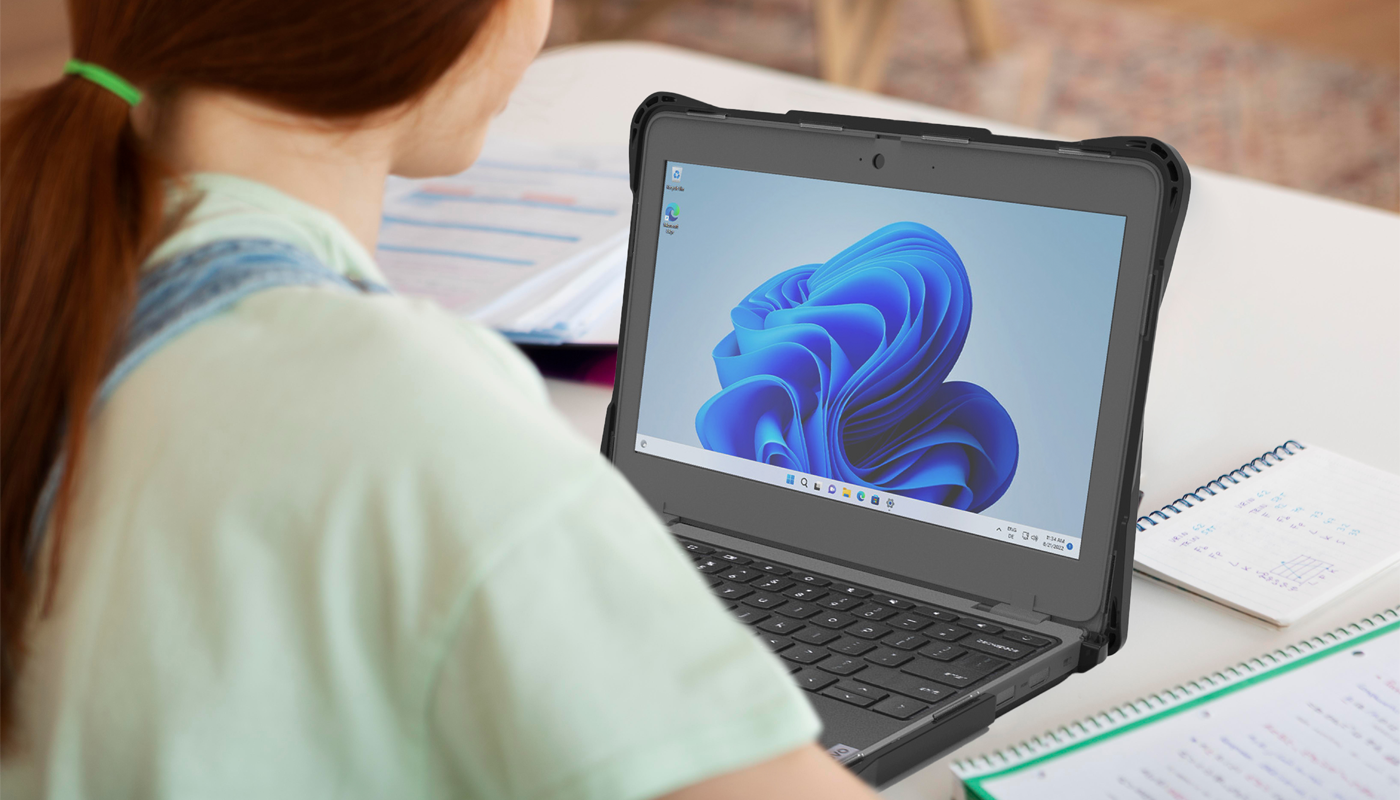
Before evaluating case features, consider how devices are actually used. A Chromebook in a middle school environment may be dropped when carried from class to class, compressed under a stack of notebooks, tossed around in a backpack, and handled by multiple students throughout the day. In that type of setting, devices can take a beating. Rugged Pro protection may be the better choice when the goal is to extend device life and reduce repair or replacement costs in a high-impact environment.
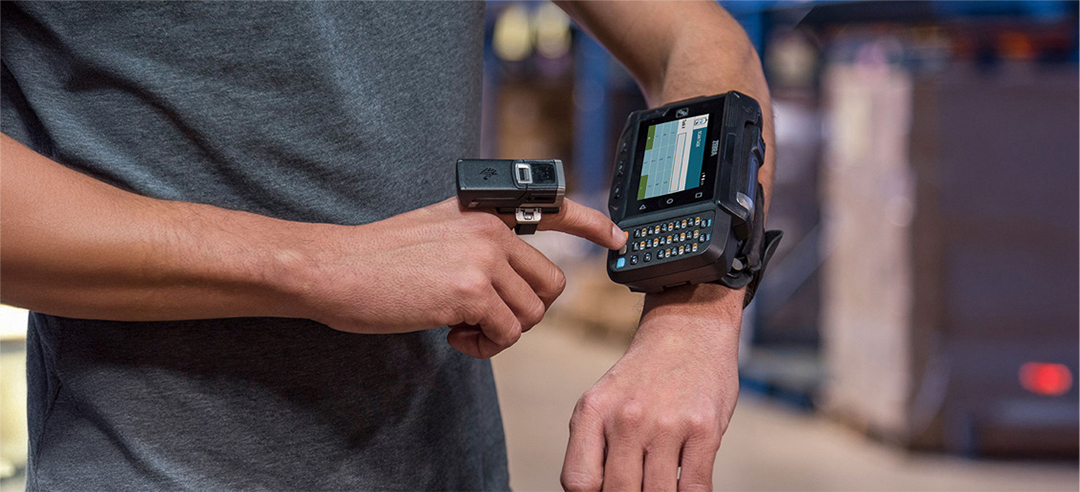
Similarly, a device supporting field operations faces very different risks than a laptop used in a hospital or corporate office. A device used by a field technician may be exposed to dust, outdoor conditions, vehicles, job sites, and repeated handling. A device used in an office may primarily need protection from scratches, scuffs, and occasional bumps during daily commutes.
The work environment should always guide the requirements of your device protection strategy. Factors such as physical demand, movement, shared use, and operational dependency dictate the level of exposure the case should be designed for.
When Rugged Pro Protection Makes Sense

Designed to combat those situations where device failure can disrupt operations, Rugged Pro protection makes sense for workers performing field inspections, equipment checks, construction tasks, utility work, and transportation operations. The Rugged Pro can also be especially valuable in hands-on classroom activities where devices are frequently moved, handled, and exposed to unpredictable student hijinks.
Prioritizing durability, impact resistance, and long-term protection, Rugged Pro protection delivers the greatest return on investment.

Typical Environments Include:
- Middle schools
- Warehousing
- Manufacturing
- Transportation and logistics
- Construction
- Utilities
- Field service
When Rugged Slim is the Better Choice
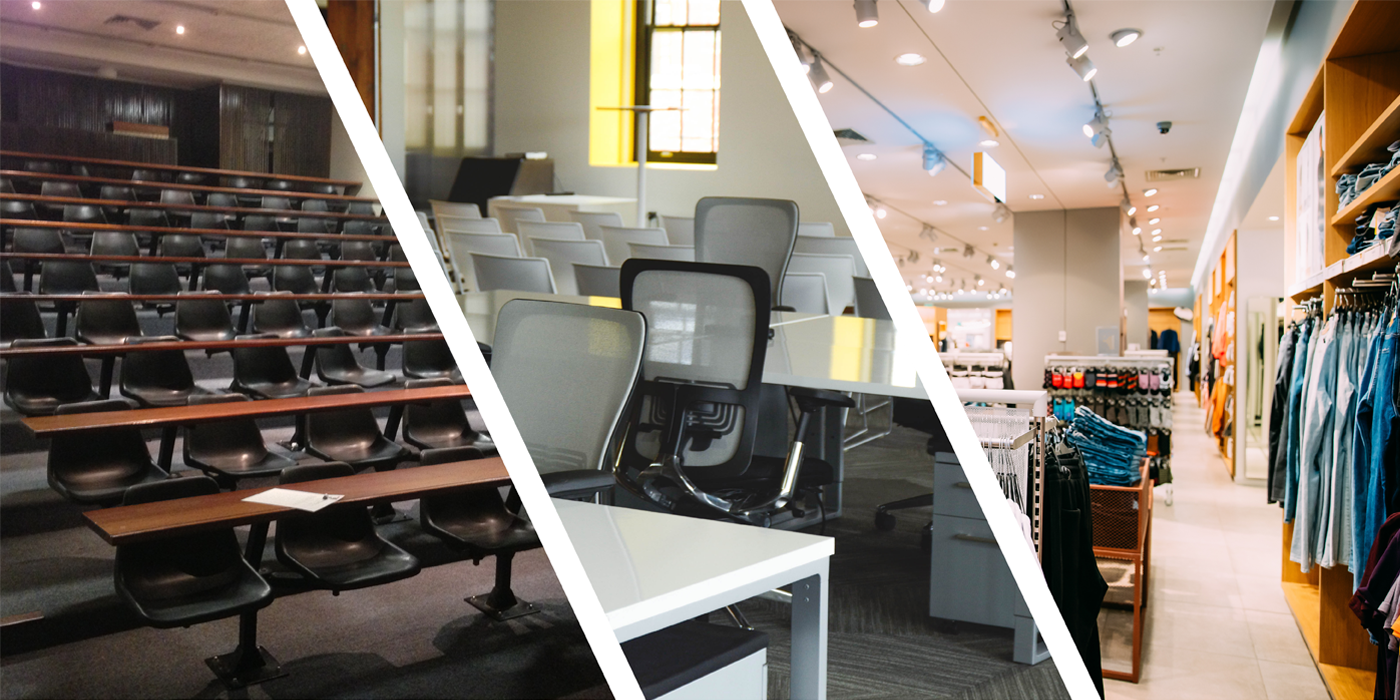
Rugged Slim protection is ideal when organizations want a practical middle ground: more protection than a basic shell, but less bulk than a fully ruggedized solution. Providing protection against everyday wear while maintaining a lightweight, streamlined experience, the Rugged Slim is the better choice when users carry devices throughout the day, work across multiple spaces, or need protection that does not interfere with productivity.
Those who equally value mobility, ergonomics, and ease of use will find the Rugged Slim to be the best fit in their hands and for their workflow.
Typical Environments Include:
- Schools with milder damage rates
- Healthcare
- Retail
- Corporate offices
- Hybrid workplaces
Consider Your Device Protection Strategy
Protection is important, but it can not be the only factor in the decision. Organizations should also evaluate:
- User comfort
- Device portability
- Repair costs
- Device replacement frequency
- Workflow requirements
- Expected device lifespan
A case that is too bulky for a mobile user may reduce adoption. A case that is too light for a high-risk environment may lead to avoidable repairs. The most effective solution balances all of these factors.
Hybrid Deployments are Becoming a Common Solution

Matching protection levels to specific job functions often provides the best balance between cost, productivity, and user experience. This approach helps avoid overprotecting devices that do not need maximum ruggedization while still giving high-risk users the durability they require.
Accessories can further customize protection levels to fit individual workflows. Options such as hand straps, shoulder harnesses, screen protectors, and other ergonomic add-ons can help organizations fine-tune how devices are carried, handled, and protected throughout the day.
The Right Protection Supports the Environment
There is no universal answer to the Rugged Pro versus Rugged Slim question. The right choice depends on your device protection strategy; where devices are used, how they are handled, and what level of risk exists in the environment. Districts and organizations that align protection levels with actual workflow requirements typically achieve longer device life, fewer repairs, greater user satisfaction, and lower overall ownership costs.
By selecting the right solution for each user and environment, organizations can maximize both device protection and everyday productivity.
So Which Case is Right for You?